
PurePlayer guide
How to link your devices in PurePlayer
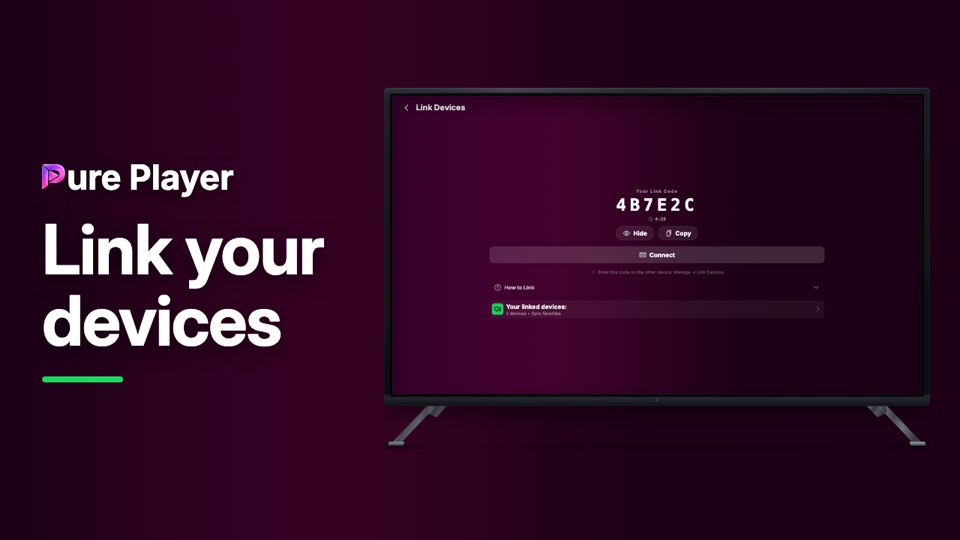
Link two devices and your favourites and your place in a title follow you between them. This video shows the whole thing: where the code lives, which device should do the typing, and the second condition people miss.
Two things have to be true before anything syncs. The devices have to be linked, and they have to be on the same playlist. Both take about ten seconds.
Step by step
On each device, open Manage, then Link Devices. Every device has its own code.
On one of them, press Show to reveal the six characters.
On the device that is easiest to type on, press Connect and enter them. It confirms straight away.
Repeat for any other device. A new device only needs linking to one you have already linked.
Give every device the same playlist. Without that, nothing syncs.
Start watching on one and the other picks up where you stopped.
PurePlayer installed, and your own playlist. Nothing is included with the app.
Questions
What do two devices need before they stay in step?
Two things, not one. They have to be linked to each other, and they have to be on the same playlist. Miss either and progress will not travel.
Which device do I type the code on?
Whichever has the easier keyboard. One device shows its code, you press Connect on the other and type the six characters. It works in both directions.
What actually follows me between devices?
Watch progress, favourites and your lists. The playlist itself you give to each device once.